Design cloud file storage and sync
Store files for millions of users and keep devices in sync: block-level chunking, deduplication, metadata, conflicts and sharing.
On the roadmap:Interview Ready · step 4: Media and storage
Lesson 11 of 11 · 12 min read · quiz · exercise
The problem
A cloud file storage service (think of a personal drive) stores each user's files, makes them available on all their devices, keeps them in sync and lets them share.
Requirements
- Upload, download and sync files on web, desktop and mobile.
- Sync quickly across devices; show file history and allow restore.
- Sharing with permissions.
- Reliable: never lose a file; handle large files and flaky connections.
- Efficient in bandwidth and storage.
Estimates
Suppose 50 million users with 10 GB each: about 500 PB of data. That makes storage cost and upload bandwidth central. It also means you must avoid re-uploading unchanged data.
High-level design
Separate file content from file metadata:
Figure SDA-CSD-11-1 · Metadata and block storage architecture · © forcsguy.com
- Metadata (names, folders, versions, permissions, ordered list of block hashes): a relational database with strong consistency, since many operations need correct, ordered updates.
- File content: stored as blocks in distributed object storage, replicated for durability.
Growing from one server
Figure SDA-CSD-11-2 · From one disk to a scalable storage design · © forcsguy.com
Figure SDA-CSD-11-3 · Replication within and across regions · © forcsguy.com
Blocks make everything better
The client splits each file into fixed-size blocks (for example 4 MB), computes a hash per block, and uploads only the blocks the server does not already have.
Figure SDA-CSD-11-4 · File as an ordered list of block hashes · © forcsguy.com
Benefits:
- Delta sync: after an edit only the changed blocks are uploaded.
- Resumable uploads and downloads.
- Deduplication: blocks with the same hash are stored once, even across users (with care for privacy).
- Cheap versions: a version is just a list of block hashes, so history costs little.
- Blocks can be compressed and encrypted before storage.
Before: upload the whole file
After: upload changed blocks only
What changed
- Editing one page of a large file sends a few megabytes, not all of it
- Identical blocks are stored once
- A broken upload can resume from the last block
Sync flow
- The client detects a local change, splits, hashes and asks the server which blocks are missing.
- It uploads missing blocks, then commits a new file version in the metadata service.
- The notification service tells the user's other devices (through a long-lived connection or long polling) that something changed.
- Those devices fetch the new metadata and download only blocks they lack.
Figure SDA-CSD-11-5 · A sync conflict · © forcsguy.com
Conflicts
If two devices change the same file from the same base version, the second commit finds the base is out of date. The safe rule is to keep both: accept the first, and save the second as a "conflicted copy" so nothing is lost. Never overwrite silently.
Metadata, consistency and notifications
Data model. A user has devices (each with a push id) and a root namespace; a file row holds the latest state; a file-version table keeps read-only history so past revisions stay trustworthy; a block table maps each version to its ordered blocks. Any version can be rebuilt by joining its blocks in order.
Strong consistency for metadata. Two clients must never see different file lists. Caches default to eventual consistency, so keep cache replicas in step with the primary and invalidate the cache on every database write. A relational database gives atomic, isolated updates natively, which is why it suits metadata better than a store where you would have to build those guarantees yourself.
Why long polling can be enough for notifications. Updates flow only server to client and are infrequent, so a persistent two-way channel is more than needed; a client holds a request open, gets told "something changed", fetches metadata, then reopens. (WebSocket is the better fit for chat-like two-way traffic.)
Upload sequence. Two things happen at once: the client registers metadata (status pending, others are told a file is arriving) and sends blocks through the block servers; when storage confirms the upload, a callback flips the status to uploaded and others are notified so they can pull metadata and then the blocks.
Failure notes. A notification server may hold a million connections; if it dies, all of them reconnect elsewhere at once, which is slow, so spread reconnects out. Offline clients are served from a backup queue of pending changes. Block servers' unfinished jobs are taken over by others.
Trade-off: uploading straight to storage is faster (one hop) but means chunking, compression and encryption must be reimplemented and trusted on every client platform, and clients can be tampered with; a central block tier keeps that logic in one place.
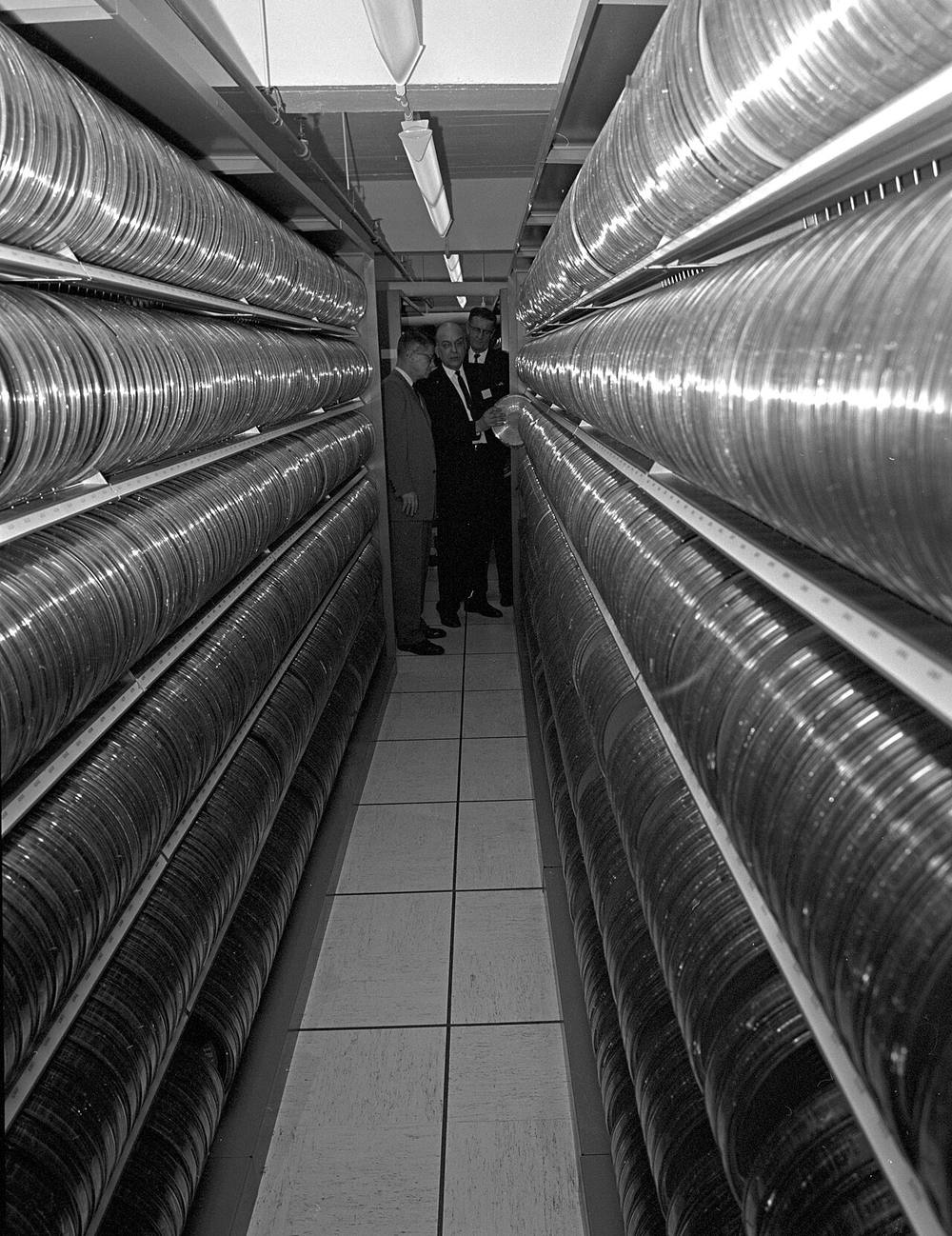 Image: U.S. Department of Agriculture · Public domain · Source · Wikimedia Commons: Magnetic tape library at USDA
The block pipeline and delta sync
Figure SDA-CSD-11-6 · Block server pipeline · © forcsguy.com
Figure SDA-CSD-11-7 · Delta sync: only changed blocks · © forcsguy.com
Reliability and cost
- Durability: store blocks in several locations, with checksums verified on read and repaired by background scrubbing.
- Hot and cold tiers: recent files on fast storage, old versions and rarely used data moved to cheaper cold storage.
- Limit version history (by count or age) to control cost.
- Metadata scale: shard the metadata database by user id; most operations touch one user's data.
- Large files: parallel block uploads, resumable and retried independently.
Upload and download as sequences
Figure SDA-CSD-11-8 · Upload with notification to other devices · © forcsguy.com
Figure SDA-CSD-11-9 · Download after a change elsewhere · © forcsguy.com
Sharing and security
- Permissions (view, edit) stored with the file or folder, checked on every request.
- Share links with optional expiry and password.
- Encrypt in transit and at rest; consider client-side encryption for stronger privacy (which limits server-side features such as search and dedup).
- Audit logs for access and changes.
Worked numbers: why blocks and deltas matter
Files are cut into blocks of about 4 MB, each identified by a hash of its content.
- Editing a large file: a user changes one paragraph in a 1 GB file. Only the block(s) that contain the change differ, so the client uploads about 4 MB instead of 1 GB, roughly 0.4% of the data, and the sync finishes in seconds.
- Deduplication: if a block's hash already exists in storage (the same file uploaded by another user, or a copy within your account), the server stores nothing new and just records that this file version uses that block. Popular files cost almost nothing to store again.
- Raw capacity: with 10 million users x 10 GB the system holds about 100 PB. Three full copies would need 300 PB; erasure coding (for example 10 data pieces plus 4 parity pieces, a 1.4x overhead) needs about 140 PB while surviving the loss of any 4 pieces. That difference is tens of millions of dollars a year, so cold data is usually erasure coded, and hot data may be replicated.
- Metadata (file names, folder trees, versions, block lists) is tiny by comparison but is read and written constantly, so it lives in a separate, strongly consistent database, not with the blocks.
Figure SDA-CSD-11-10 · Delta sync: upload only the changed block · © forcsguy.com
When two devices edit the same file
A laptop is offline and edits plan.docx; meanwhile a phone edits the same file and syncs first. When the laptop reconnects it has a version based on a now-outdated parent. The server notices because the upload says "I am based on version 7" while the latest is 8.
For files in general the safe approach is: do not silently overwrite. Keep the first writer's version as current and save the second as a conflicted copy ("plan (Laptop's conflicted copy).docx"), then let the user merge. For real-time collaborative documents, a different technique (operational transforms or CRDTs) merges edits automatically, but that is a separate design.
Figure SDA-CSD-11-11 · Detecting a conflict by version · © forcsguy.com
Mistakes people make
- Uploading whole files. It wastes bandwidth and makes large files unusable on poor connections. Use blocks, deltas and resumable uploads.
- Trusting client timestamps to decide the winner. Clocks differ; compare versions, not times.
- Treating a rename or move as delete plus create. It re-uploads the data. Metadata should record moves without touching blocks.
- Polling for changes. It wastes battery and server capacity. Use a long-lived notification channel that says "something changed, pull your list".
- Mixing metadata and block storage. They have different access patterns and consistency needs.
- Forgetting security. Encrypt in transit and at rest, check permissions on every request, expire share links, and scan uploads for malware if you serve them to others.
Try it yourself
Read the consistent hashing lesson for placing blocks across servers, and build the consistent hash ring lab to place block ids on storage nodes. The Builder's write-burst challenge shows why uploads and metadata updates benefit from a queue.
Related reading
- How Discord Scaled Elixir to 5,000,000 Concurrent UsersDiscordCase Studies
- CAP Twelve Years Later: How the Rules Have ChangedEric Brewer · InfoQBlogs
- Amazon S3 strong consistencyAmazon Web ServicesDocumentation
- Designing Data-Intensive ApplicationsMartin Kleppmann · O'ReillyBooks
Show 6 moreShow fewer
- Concourse: Generating Personalized Content Notifications in Near-Real-Time at LinkedInLinkedIn engineers · LinkedInCase Studies
- Rewriting the heart of our sync engineDropboxCase Studies
- Fast Order Search using Data Pipeline and Elasticsearch at YelpYelp engineers · YelpCase Studies
- Pagelets Parallelize Server-side Processing at YelpYelp engineers · YelpCase Studies
- Real-time Presence Platform at LinkedInLinkedIn engineers · LinkedInCase Studies
- GitHub Engineering BlogGitHub engineers · GitHubBlogs
Check your understanding
Question 1 of 3
0 correct so far
Why split files into blocks before uploading?
Go deeper
- Designing Data-Intensive Applications, chapters 5 and 7 by Martin Kleppmann: replication, conflicts and transactions
- Upload file data (resumable uploads) by Google Drive API: simple versus resumable upload
- Differential synchronization by Neil Fraser: a way to keep documents in step
- librsync by GitHub: the library behind block-level delta sync
- How we've scaled Dropbox by Dropbox (talk): block servers and long-polling notification at scale
- Amazon S3 Glacier FAQ by Amazon Web Services: cold storage for rarely used data
- ACID by Wikipedia: the guarantees relational metadata stores provide
Practise it: Blocks belong in object storage
Everything below is already set up for this lesson: change the design, run the traffic, and see whether you meet the goal.
- 1The task
- 2Build and test
40% of 900 requests per second are file uploads. The database cannot hold the file data, only its description.
Goal: Under 1% errors, slowest 5% under 300 ms.
Where do the bytes of a large file live?
Try it yourself
A user edits one page of a 100 MB presentation. Explain what is uploaded and stored if the file is split into 4 MB blocks, and what the metadata looks like before and after.
Click what a strong design here would need:
More in Design practice
© 2026 forcsguy.com. Original lesson text and diagrams. Books and sites linked above belong to their authors.