Design a chat system
Real-time one-to-one and group messaging: persistent connections, message routing, ordering, storage and presence.
On the roadmap:Interview Ready · step 3: Feeds, chat and notifications
Lesson 8 of 11 · 13 min read · quiz · exercise
The problem
A chat system lets people exchange messages in real time, one-to-one and in groups, on several devices, with history and online status.
Requirements
- Low latency delivery (under a second when both are online).
- 1-to-1 and group chat (say up to a few hundred members).
- Online/offline presence.
- Multiple devices per user; message history; push notifications.
- No lost messages.
Why not plain HTTP
With HTTP, the client asks and the server answers. To receive a message the client would have to poll repeatedly: wasteful and slow. Chat uses a persistent connection, usually WebSocket, so the server can push a message the moment it arrives.
Polling, long polling, WebSocket
- Polling: the client asks every few seconds. Simple, but most answers are "nothing new" and each costs a request.
- Long polling: the server holds the request open until a message arrives or a timeout passes, then the client asks again. Better, but the server that holds the request may not be the one that receives the message (a stateless load balancer spreads requests), the server cannot easily tell the client has gone, and a quiet user still reconnects on every timeout.
- WebSocket: starts as an HTTP request, is upgraded, and stays open in both directions. It usually passes firewalls because it uses the web ports. It can carry sending as well as receiving, so one mechanism does both; ordinary actions (sign-up, profile) can stay on plain HTTP.
Connections are the scarce resource, not memory: at roughly 10 KB per connection, a million concurrent users need only about 10 GB, so the real limits are the number of connections per machine and, above all, not having a single machine as a single point of failure.
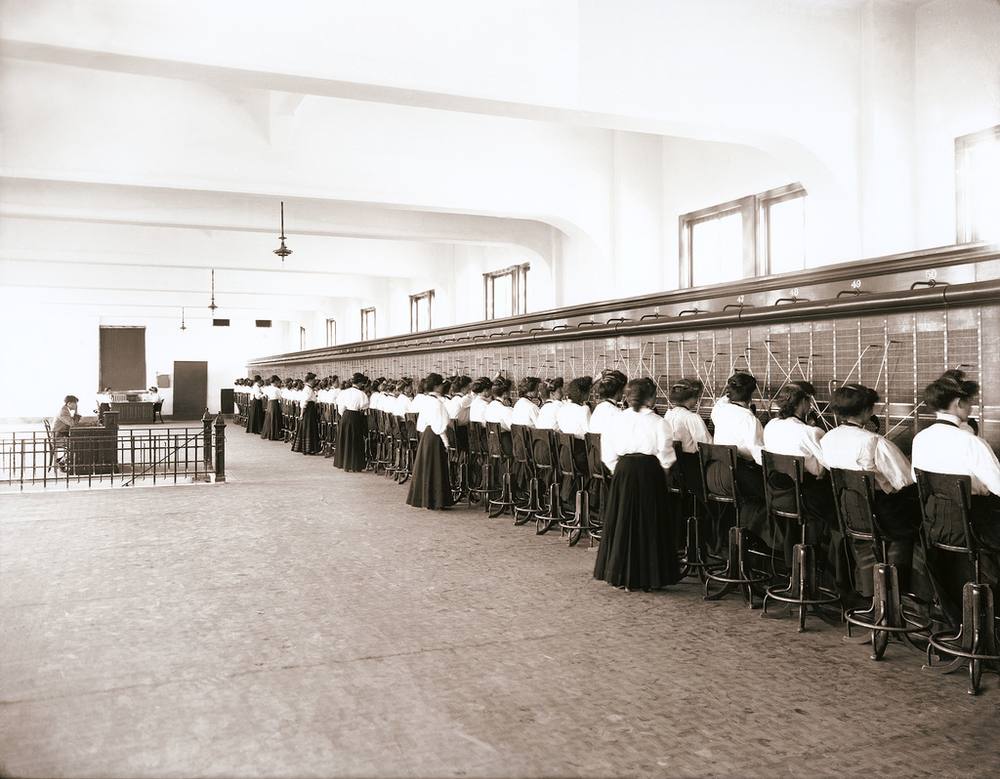 Image: The Salt Lake Herald · Public domain · Source · Wikimedia Commons: Telephone switchboard 6 Oct 1907 Salt Lake City
Figure SDA-CSD-08-1 · Polling versus long polling · © forcsguy.com
Figure SDA-CSD-08-2 · WebSocket upgrade · © forcsguy.com
Before: plain HTTP polling
After: persistent WebSocket
What changed
- Messages arrive instantly instead of on the next poll
- Far fewer wasted requests
- Servers must keep many open connections
High-level design
Separate two kinds of traffic:
- Stateless request/response work (sign-in, profile, history lookup): normal API servers behind a load balancer.
- Stateful real-time work: chat servers holding the WebSocket connections.
Figure SDA-CSD-08-3 · Chat servers, message store and push · © forcsguy.com
Message flow (1-to-1)
- A sends the message over its WebSocket to its chat server.
- The server assigns a message id (increasing within the conversation) and stores it.
- It looks up which chat server B is connected to (a session store) and forwards the message.
- If B is online, it is delivered over B's WebSocket. If offline, a push notification is sent and the message waits in storage.
- B's client acknowledges receipt; receipts flow back to A.
Figure SDA-CSD-08-4 · Stateless and stateful parts of a chat system · © forcsguy.com
Figure SDA-CSD-08-5 · Connecting to the right chat server · © forcsguy.com
Figure SDA-CSD-08-6 · One-to-one message path · © forcsguy.com
Groups
For small groups, deliver the message to each member's inbox (or sync queue). It is the same flow repeated per member. For very large groups, switch to a pull model where members fetch new messages on open, as in the news feed lesson.
Figure SDA-CSD-08-7 · Small group chat as inboxes · © forcsguy.com
Storing messages
Chat produces enormous write volume and is mostly read as "the latest messages of a conversation". That suits a key-value or wide-column store partitioned by conversation, with messages sorted by id. Relational databases struggle at this scale, though they are fine for user and group data.
Keep recent messages hot and move old ones to cheaper storage.
Two details on storage keys. For one-to-one chat the message id alone orders the messages (never the creation time, since two can share a timestamp). For group chat use a composite key of channel id plus message id, with the channel as the partition key because every query is within one channel. Ids only need to be ordered within a conversation, so a per-conversation counter is simpler than a global generator. Key-value stores suit this because the data has a long tail of old messages that large relational indexes handle poorly, and because well-known chat products run on wide-column stores.
Ordering and sync
- Device clocks cannot be trusted, so the server assigns ids.
- Each client remembers the last id it saw per conversation and on reconnect asks for everything after it. The same mechanism syncs multiple devices.
Presence
Show online/offline status with heartbeats: while connected, the client sends a small ping every few seconds. If heartbeats stop for a while, mark the user offline. Do not announce every blip: wait a grace period so a flaky connection does not make a user flicker. For large friend lists, fetch presence on demand or only for visible contacts to avoid a flood of updates.
Figure SDA-CSD-08-8 · Syncing several devices · © forcsguy.com
Figure SDA-CSD-08-9 · Presence with heartbeats · © forcsguy.com
Figure SDA-CSD-08-10 · Publishing status changes to friends · © forcsguy.com
Scaling and failure
- Connection capacity: a chat server holds many thousands of connections, so scale by adding servers; keep per-connection memory small.
- Server failure: clients reconnect (with backoff and jitter) to another server and sync missed messages.
- Service discovery: choose a chat server for a new connection with a load-aware or consistent-hash assignment.
- Security: authenticate on connect, use TLS, and consider end-to-end encryption, which means the server cannot read message content and affects features like search.
Worked numbers: connections and message rate
Assume 50 million daily users, 10 million online at peak, each sending 40 messages a day.
- Connections: 10 million open WebSockets. One well-tuned server can hold on the order of 100,000 mostly idle connections, limited by memory per connection (tens of KB) and file descriptors. So you need about 100 chat servers, plus spare, say 130.
- Message rate: 50M x 40 = 2 billion messages a day, about 23,000 per second on average, 70,000 at peak.
- Storage: at 100 bytes per message (text plus metadata) that is 200 GB a day, 73 TB a year before replication and media. That is a write-heavy, append-mostly workload suited to a store that handles large sequential writes and range reads by conversation, such as a wide-column database, rather than a single relational node.
- Heartbeats: if every connected client sends a heartbeat every 30 seconds, that is 10M / 30 = 333,000 tiny messages per second just to know who is online. Presence is often more expensive than chat itself, which is why designs batch and sample it.
Figure SDA-CSD-08-11 · Sizing a chat system · © forcsguy.com
What happens when a chat server dies
A server holding 100,000 connections crashes. What do those users experience?
- Their clients notice the connection dropped (immediately if the socket closes, after a heartbeat timeout otherwise).
- Each client reconnects with jittered, exponential backoff; without jitter, 100,000 clients reconnect in the same second and overload the next server (a reconnect storm).
- The load balancer routes them to healthy servers, which register the connections in the session registry.
- Each client sends the id of the last message it received; the server replays anything newer from the message store. No message is lost, because messages were saved before being delivered.
- Presence flips offline then online; debounce this so friends do not see a flicker.
This works only because the connection servers hold no source of truth: messages live in the store, and the connection is just a pipe.
Figure SDA-CSD-08-12 · Recovering after a chat server fails · © forcsguy.com
Delivery guarantees you can state
Chat promises are about at least once delivery with idempotent handling: the sender assigns each message a unique id; the server stores it before acknowledging; the recipient acknowledges receipt; if no acknowledgement arrives the message is redelivered, and the client discards duplicates by id. Ordering is guaranteed within a conversation by a sequence number per conversation (not by wall-clock time, which differs between devices). Say clearly that you do not promise global ordering across conversations, because that would not scale.
Mistakes people make
- Using the client's clock for ordering. Clocks differ; use a server-assigned sequence per conversation.
- Acknowledging before saving. If the server crashes after the ack but before the write, the message is lost. Save first.
- Large groups as many small inboxes. Writing a message into the inbox of every member of a 100,000 person group is a fan-out explosion; use a shared timeline that members read instead.
- Stateful connection servers. Keep nothing important in a connection server's memory; make reconnection cheap.
- Treating presence as exact. "Online" is a best-effort guess; design the UI around that.
Try it yourself
The System Builder challenge "A burst of writes" mirrors saving messages: a queue protects the store. For real-time connection basics, read the WebRTC lesson and compare when you would use WebSockets and when peer-to-peer. Or open a chat-shaped design on the free canvas and kill a part to see what survives.
Related reading
- Flannel: An Application-Level Edge Cache to Make Slack ScaleSlack Engineering · SlackCase Studies
- How Discord Scaled Elixir to 5,000,000 Concurrent UsersDiscordCase Studies
- RFC 6455: The WebSocket ProtocolIETFDocumentation
- Uber's Real-Time Push PlatformUber Engineering · UberCase Studies
Show 6 moreShow fewer
- How Discord Stores Billions of MessagesDiscordCase Studies
- Erlang at Facebook (slides)Eugene Letuchy · FacebookCase Studies
- Slack EngineeringSlack engineers · SlackBlogs
- Real-time MessagingSlack Engineering · SlackCase Studies
- Storing Messages with Cassandra at DiscordDiscord engineers · DiscordCase Studies
- Real-time Distributed Tracing at LinkedInLinkedIn engineers · LinkedInCase Studies
Check your understanding
Question 1 of 3
0 correct so far
Why do chat apps use WebSockets rather than repeated HTTP polling?
Go deeper
- How WhatsApp scaled with a small team (engineering talks) by various: search for conference talks on Erlang and WhatsApp
- Erlang at Facebook by Eugene Letuchy (Facebook): early messaging architecture
- How Discord stores billions of messages by Discord: partitioning and storage choices for chat history
- Apache ZooKeeper by Apache: coordination and service discovery
- Flannel: an application-level edge cache by Slack Engineering: reducing load time with an edge cache
Topics covered in this lesson
Try it: see a system in action
One tap in a real app already crosses a client, a server and a database. Watch it happen, then try scoping a brief a few different ways below.
The app
"see you at 6" — sent to a friend who's on a different device entirely
What just happened
Tap the button to send a real request.
One tap in the app sends a real request. Watch where it actually goes.
Go further: the Builder
Once you know what to ask, the Builder is where you turn requirements into an architecture. Come back to this once you've met a few more concepts.
Try it yourself
User A (online, on a phone) sends a message to user B, who has the app open on a laptop and is also logged in on a phone that is offline. Describe how the message reaches each of B's devices.
Click what a strong design here would need:
More in Design practice
© 2026 forcsguy.com. Original lesson text and diagrams. Books and sites linked above belong to their authors.